sai-js

Solid Application Interoperability (TypeScript)

CI Matrix chat MIT license

Modules implementing Solid Application Interoperability Specification

Intended dependents

  package
Solid Applications @janeirodigital/interop-application
Solid Authorization Agent @janeirodigital/interop-authorization-agent

Development

Docker Shared Services

Default setup assumes docker command available, and runs it as non-root user. Also mkcert is required.

The setup is using modified Makefile and docker-compose.yaml from docker-shared-services

Node, corepack and npm

Requires node.js 22 or higher

Local DNS

macOS

mkdir /etc/resolver/
sudo sh -c 'echo "nameserver 127.0.0.1" > /etc/resolver/docker'
sudo dscacheutil -flushcache

If port 53 is occupied, go to docker and uncheck settings -> resources -> network -> Use kernel networking for UDP

To enable communication to docker network

# Install via Homebrew
$ brew install chipmk/tap/docker-mac-net-connect

# Run the service and register it to launch at boot
$ sudo brew services start chipmk/tap/docker-mac-net-connect

Bootstrapping

npm install
npm run build
npm test

To create local certificates

make cert-install

To start local development

make up

It will run the following:

Community Solid Server

Run from packages/css-solid-fixture. Used for solid storage instances and solid-oidc provider.

Available on https://pod.docker, default demo account is alice@acme.example with password.

Authorization Agent

UI

Run from ui/authorization. Available on https://ui.auth.docker , requires signing up with UI first and later signing up in with the service (Connect server). Dev config uses local CSS as default provider when input left empty.

Demo app (Vujectron)

Run from examples/vuejectron. Available on https://vuejectron.docker , requires signup and authorization. Dev config uses local CSS as default provider when input left empty.

Localization

The translation project for all relevant components is hosted thanks to the courtesy of Weblate Libre hosting.
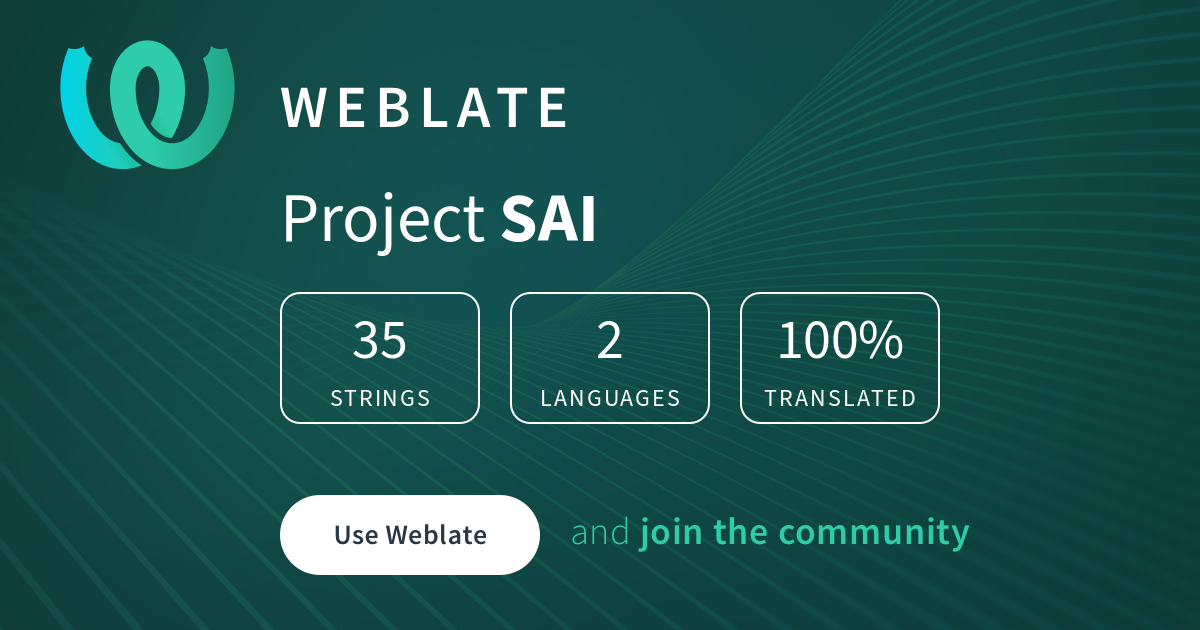
Translation status

Deployment

VPS

Create VPS, you can use any Linux distribution, we are going to use NixOS anywhere to replace it in next step.

Let’s use Hetzner CAX21 as an example. We need to add our public SSH key when we create it.

DNS

Configure DNS for your domain, for example A records for me.example :

me.example.
*.me.example.
auth.me.example.
app.auth.me.example.
data.me.example
*.data.me.example.

Use IP of your VPS. To avoid having to change in case you want to destroy your VPS and create a different one, you can configure that IP to stay rented independently from specific VPS.

NixOS

Use NixOS anywhere to install it on your VPS. Flake in this repo includes config for hetzner-cloud-aarch64 so you can simply run

nixos-anywhere --flake .#hetzner-cloud-aarch64 --build-on remote root@me.example

We build on remote to use its architecture.

Nix config

You can start by making a copy of the demo config:

cp -r nix/hosts/demo nix/hosts/me

And following #demo config create #me config in flake.nix

Secrets

We will use ragenix to encrypt two env files:

First we need to add VPS public key to nix/hosts/me/secrets.nix. To do it we can first ssh root@me.example and accept server fingerprint. Now we can cat ~/.ssh/known_hosts | grep me.example and use the ssh-ed25519 key.

DNS API

In our example we will use Cloudflare and Cloudflare module for Caddy. Following instructions we create Account API Token (custom token) with Zone.Zone Read and Zone.DNS Edit, we can also set Client IP Address Filtering to IP we have assigned to our VPS.

We can encrypt that by running following command in nix/hosts/me

RULES=./secrets.nix ragenix -e ./secrets/cloudflare.age

And following Cloudflare module for Caddy set it as:

CF_API_TOKEN=

nix config will set it as an env file so Caddy can access it.

VAPID

You can generate a pair by running

npx web-push generate-vapid-keys

You can replace vapidPublicKey in your config with generated public key. Private key will be used when we encrypt auth.age file.

JWK

You can generate base64url encoded JWK, including a private key, by running:

bun packages/repl/cmd.ts -- gen-jwk -b

It will be used when we encrypt auth.age file.

Auth

We can encrypt that file by running following command in nix/hosts/me

RULES=./secrets.nix ragenix -e ./secrets/auth.age

And set


CSS_VAPID_PRIVATE_KEY=
CSS_PUSH_SENDER=
CSS_ENCODED_PRIVATE_JWK=

Application Server Contact Information is required by the VAPID spec and must be a mailto: or an https: contact URI.

Applying config

Now we can apply our configuration by running

nixos-rebuild switch \
  --flake .#me \
  --target-host root@me.example \
  --build-host root@me.example

[!TIP] In case starting some systemd service errors, you can simply re-run this command.

Now Caddy will request certificates from Let’s encrypt and after short moment you should be able to access account management application on https://app.auth.me.example (if you further customized your config it will be at that address)

Funding

This project is funded through the NGI Zero Entrust Fund, a fund established by NLnet with financial support from the European Commission’s Next Generation Internet program. Learn more at the NLnet project page.

NLnet foundation logo NGI Zero Entrust Logo